




Moving Online: Extending Electrical Service Lines Just Got Easier
In Brief
New GIS-enabled web app and systems integration boost project coordination
A major energy company faced challenges in processing service requests from utility customers due to a cumbersome system of manual submissions and spreadsheets. Resource Data collaborated with the utility to create online request forms with GIS components and then integrated systems across departments, making it easier to submit and process requests.
This new system automatically channels information into a workflow for construction teams, leading to significant time savings, better document management, and improved interdepartmental coordination.
Key Takeaways
Efficient project coordination with GIS and integrations
-
New web app for significant time savings
Staff are freed from the time-consuming and error-prone process of collecting information by email, phone, or paper and manually entering it into a spreadsheet.
-
Seamless data flow for better project visibility
New integrations connect information for work orders to at least six departments, improving project coordination and reducing costly mistakes.
-
Centralized workflows for easier processing
With the forms automatically funneling information into workflows, requests are processed faster, and statuses are visible to all teams.
-
Online forms for greater customer satisfaction
Customers can now submit requests for electrical service upgrades through a straightforward online form. A unique ticket number makes it easier to respond to customer requests with greater speed and accuracy.

The Challenges
Manual processes cause bottlenecks and frustration
This leading electric utility serves more than 630,000 customers across two states. Customers and staff submitted requests for new electrical services, projects, and upgrades on handwritten forms and through phone calls. Utility staff then entered the information into a spreadsheet for tracking and processing the power line extension requests.
This workflow required a lot of back and forth between departments for permits, plan approvals, and more, leading to slower response times, extra manual data entry, and higher likelihood of errors. With an expanding service area, the utility needed a software solution to process these requests and to set up and track service-extension project work between departments.
The Solution
GIS web app simplifies service extension process
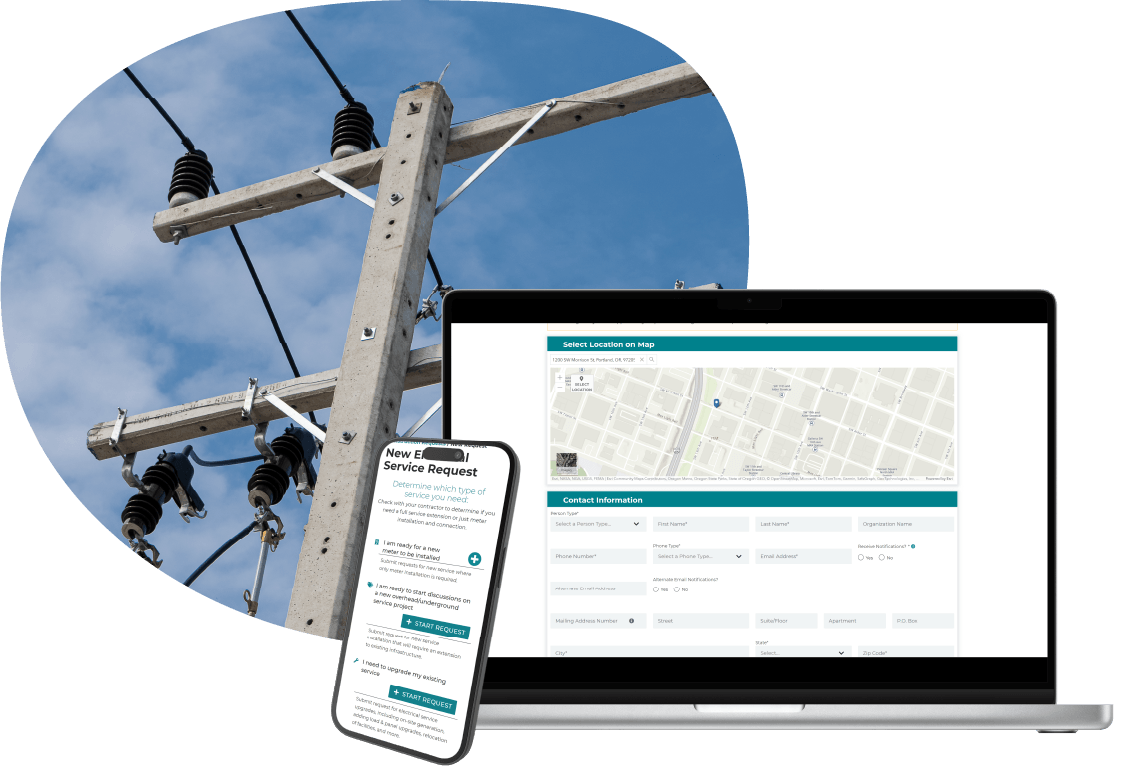
To streamline request processing, our team built a web application that manages the entire powerline extension request process. The app integrates with other systems, such as SAP enterprise resource planning software (ERP), Asset Suite asset management software, and AutoCAD Utility Design (AUD). With these integrations, service extension information is automatically turned into work orders for the utility staff to execute requests faster.
A centralized workflow within the utility’s construction application, allows staff to easily track project status, notes, and history. The system includes automated notifications and ticket identification numbers, making it easier than ever to coordinate across the multiple departments and to communicate effectively with customers regarding the status of their requests.
Features
Centralized workflow for better information management
-
Map features for accurate data collection
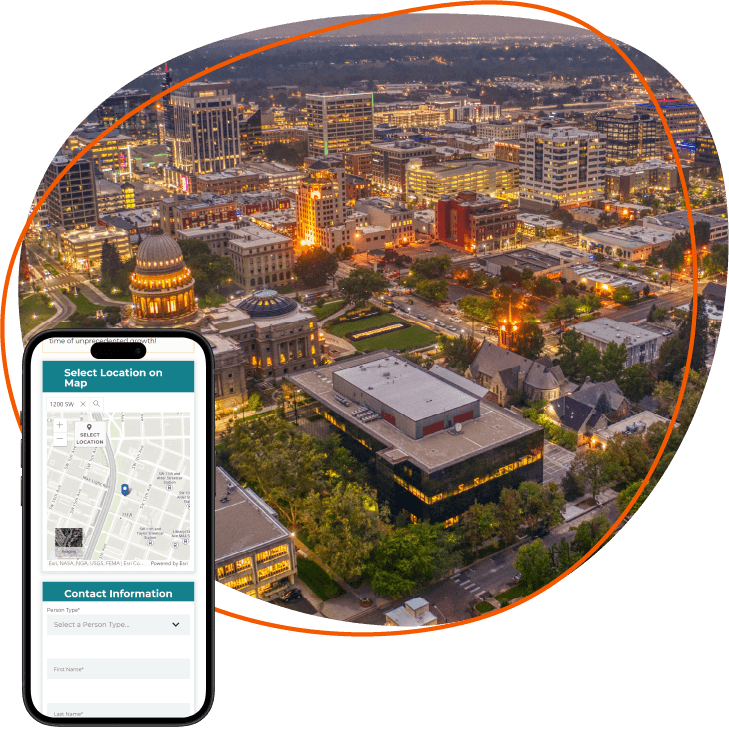
The online service extension request form allows applicants to drop pins on a map to show the location of the requested service area accurately.
-
Automated functions for streamlined operations
Staff receive notifications when the extension application is at specific steps. Ticket numbers are automatically assigned, making work orders simpler to track.
-
Centralized workflow to access and share data
The web app allows staff across multiple departments to check request and project statuses, history logs, notes, and notifications.
-
GIS-connected data for easier decision-making
GIS and other data are entered automatically into a workflow for the construction team to design how power lines run, provide estimates, and provide decisions on projects.
-
Connected systems for better information management
Integrated systems connect in ERP SAP and facilitate design in AutoCAD Utility Design (AUD). With everything in sync, it’s easy to track, manage, and retrieve information, preventing costly errors.
Results
Positive cross-departmental and customer impact
The new web app with built-in GIS tools makes it easier for customers to submit requests for electrical service for a variety of purposes—from new meter installation to upgrading existing service. The enhanced workflow led to significant time savings for utility staff while ensuring consistent data when setting up projects.
Because multiple departments now have access to the same information across their different software and tools, requests are processed faster. And costly mistakes—like double-ordering equipment, creating duplicate work orders, and having two designers working on the same project—are prevented. This has improved interdepartmental project coordination immensely, as well as customer satisfaction.
“This project transformed how our client handles service requests. By moving submissions online and integrating GIS capabilities, we’ve reduced processing time dramatically, allowing the utility’s teams to focus on delivering timely service to their customers instead of navigating manual workflows.”
Joel Florendo, Technical Lead

What's Next
Ongoing partnership
The positive results have led to more work integrating the client’s systems. We’ve also upgraded their outage map system to include additional alert types for planned safey outages and developed a portal to communicate wildfire risk levels to contract crews working on electrical equipment. We continue to support the utility in enhancing their technology and processes so they can focus on safely delivering reliable energy to the communities they serve.




Case Study FAQ
A utility can reduce processing cost and delay by moving service extension requests from manual intake channels into an online, workflow driven system that captures consistent information at the start and routes it automatically to the teams that need it. When requests arrive by handwritten forms, phone calls, emails, and spreadsheets, staff spend unnecessary time collecting missing details, reentering data, checking status, and coordinating across departments.
In Resource Data’s case study, a leading electric utility serving more than 630,000 customers across two states replaced a manual request process with a GIS enabled web application. Customers could submit service requests online, identify the requested service area on a map, and receive a unique ticket number for their request. The system then funneled information into a centralized workflow for construction teams and connected data across departments.
The results of this work are significant time savings, lower administrative burden, fewer processing errors, and better use of staff capacity. Instead of chasing paperwork or reconciling spreadsheets, utility teams can focus on designing, estimating, approving, and completing service work more efficiently.
Integrating service extension requests with ERP, asset management, and design systems matters because it prevents the request process from becoming a disconnected handoff between departments. If customer intake, construction planning, asset records, work orders, and design tools are not connected, teams often duplicate effort, lose context, or make decisions from incomplete information.
Resource Data’s case study shows this clearly. The Utility’s new web application integrated with SAP enterprise resource planning software, Asset Suite asset management software, and AutoCAD Utility Design. Those integrations helped turn service extension information into work orders and supported design work for power line projects. The system also gave multiple departments access to shared request status, notes, history, and notifications.
This led to faster processing and fewer costly mistakes. The case study shows that connected systems helped prevent issues such as double ordering equipment, creating duplicate work orders, and assigning two designers to the same project. For utilities, that kind of integration reduces waste, improves project visibility, and supports more reliable service delivery.
A GIS enabled service request portal creates business value by making it easier to capture accurate location data, coordinate project work, and scale request processing as service demand grows. For utilities, location is not a minor detail; it affects design, estimating, construction planning, permitting, and customer communication.
In Resource Data’s case study, the Utility had an expanding service area and needed a better way to set up and track power line extension projects between departments. The new online request form allowed applicants to drop pins on a map to show the requested service location accurately. That GIS connected data was then entered into a workflow used by the construction team to design power line routing, provide estimates, and make project decisions.
As request volume grows, a GIS enabled workflow helps the Utility avoid bottlenecks caused by paper forms, phone calls, and spreadsheets. It also improves customer satisfaction because requests can be submitted more easily, tracked more clearly, and processed with fewer delays.
Utilities can improve coordination by giving every department access to the same request of information, project status, notes, history, and notifications inside a centralized workflow. Service extension projects often involve many handoffs, including customer service, construction, design, permitting, approvals, and asset or work order management. When each group works from separate records, coordination slows down and errors may increase.
Resource Data’s case study describes a utility workflow that previously required a lot of back and forth between departments for permits, plan approvals, and project processing. Resource Data built a web application that automatically channels request information into a centralized workflow for construction teams. Staff across multiple departments can check project status, history logs, notes, and notifications in one place.
This solution led to faster response time, better document management, and stronger cross department visibility. The case study states that the new system improved interdepartmental project coordination immensely. For a utility, that means fewer missed handoffs, fewer duplicate actions, and a more reliable path from customer request to completed service work.
An online electrical service extension request form should capture the information teams need to evaluate, design, estimate, and track the request without forcing staff to reenter or clarify basic details later. It should also include location specific data, because service extension work depends heavily on where new meters, upgrades, or power line extensions are needed.
In Resource Data’s case study, the Utility’s online request form included GIS map functionality that allowed applicants to drop pins on a map to identify the requested service area. The system also assigned request ticket numbers automatically, supported notifications, and routed information into a centralized workflow used by construction teams and other departments.
When customers submit clearer, more complete requests, staff can process them faster and with greater accuracy. The case study shows that moving from handwritten forms, phone calls, and spreadsheets to online forms improved internal efficiency and customer satisfaction.
Automated notifications and request ticket numbers improve utility workflows by making each request easier to track, route, and communicate about as it moves through multiple steps and departments. Without a consistent identifier and status alerts, staff often rely on manual follow up, spreadsheet checks, or informal communication to understand where a request stands.
Resource Data’s case study notes that the Utility’s new system automatically assigns request ticket identification numbers and sends notifications when an extension application reaches specific workflow steps. The centralized workflow also lets staff see request statuses, history logs, notes, and notifications across departments.
The business and operational impact is faster coordination with less manual tracking. Ticket numbers make it easier for staff and customers to reference the same request, while notifications reduce the need for repeated status checks. For utility service extension work, this helps prevent delays, improves customer communication, and gives teams a clearer record of project activity.
Moving utility service requests online improves the customer experience by making requests easier to submit and track. Requests are also less dependent on phone calls, paper forms, or staff mediated intake. Customers requesting new electrical service, meter installation, upgrades, or project support need a process that is clear and responsive.
In Resource Data’s case study, customers and staff had been submitting requests through handwritten forms and phone calls. Then, Utility staff entered information into spreadsheets. Resource Data helped replace that process with straightforward online request forms, GIS map features, automated request ticket numbers, and centralized workflow visibility.
Benefits include faster, more accurate communication, and fewer frustrating delays. The case study states that unique request ticket numbers made it easier to respond to customer requests with more speed and accuracy. That improved experience also supports the Utility’s internal efficiency because staff spend less time clarifying intake details and more time moving requests forward.
Modernizing a spreadsheet based utility request process usually requires building a workflow layer that improves intake and coordination while integrating with the systems the utility already uses. The goal is not simply to replace a spreadsheet with a form; it is to connect customer request data to work orders, asset records, design tools, status tracking, and departmental workflows.
In Resource Data’s case study, the Utility’s staff had been entering power line extension requests into spreadsheets after receiving information through handwritten forms and phone calls. Resource Data built a GIS enabled web application that managed the full request process and is integrated with SAP ERP, Asset Suite, and AutoCAD Utility Design.
By connecting the new web app to established enterprise and design systems, the Utility gained better workflow control, project visibility, and data consistency while still supporting the tools its departments depended on.
GIS improves data accuracy by letting applicants and staff identify the physical location of a service request visually instead of relying only on written descriptions, phone explanations, or manual interpretation later on. For electrical service extension work, accurate location data affects design, estimates, approvals, construction planning, and downstream system records.
In Resource Data’s case study, the web app included map features that allowed applicants to drop pins on a map to show the requested service area. That GIS connected data was added into workflows for the construction team, which helped them design how power lines should run, provide estimates, and make project decisions.
Better location data reduces the risk of unclear requests, duplicate work, or incorrect project setup. For utilities managing service upgrades across a large customer base and expanding service area, GIS enabled intake improves operational efficiency and the reliability of project information.
System integration can prevent duplicate work orders and equipment mistakes by keeping request, design, asset, and construction information synchronized across the departments involved in service work. When teams rely on disconnected spreadsheets or separate software records, it is easier for the same request to be entered twice, assigned twice, or acted on from outdated information.
Resource Data’s case study shows how this risk was reduced through a connected service extension workflow. The web application is integrated with SAP ERP, Asset Suite, and AutoCAD Utility Design. It also gave multiple departments visibility into status, notes, history, and notifications. The case study states that this helped prevent costly mistakes such as double ordering equipment, creating duplicate work orders, and having two designers work on the same project.
Integrated systems help utilities protect staff time, equipment budgets, and project schedules by making sure teams are working from the same request record and current project context.